



Mint & Gift Memory
Capture a photo and generate a new, giftable wallet for the recipient. Deliver it by allowing them to scan the QR code with seedphrase and instructions on accessing.

Onchain Memory Engine
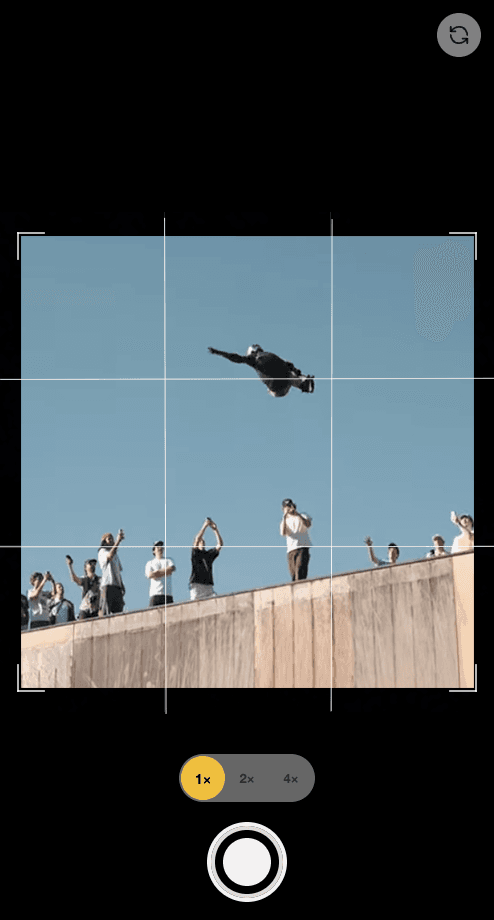
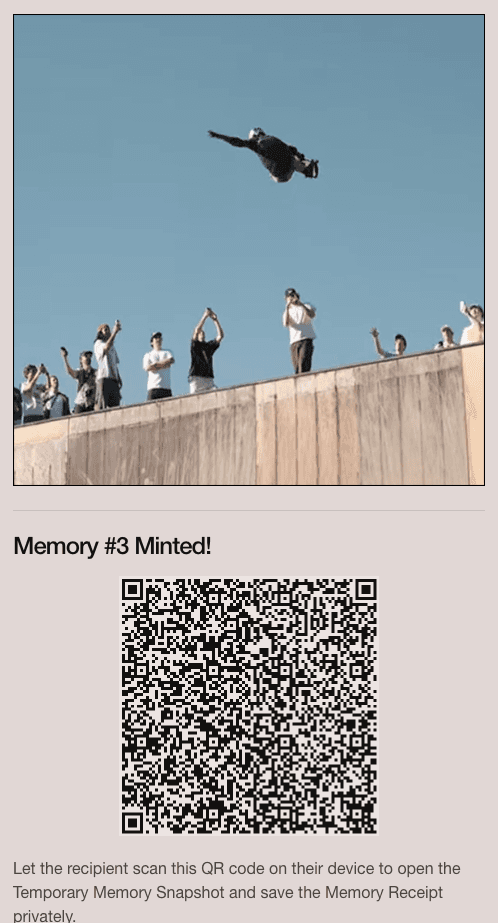
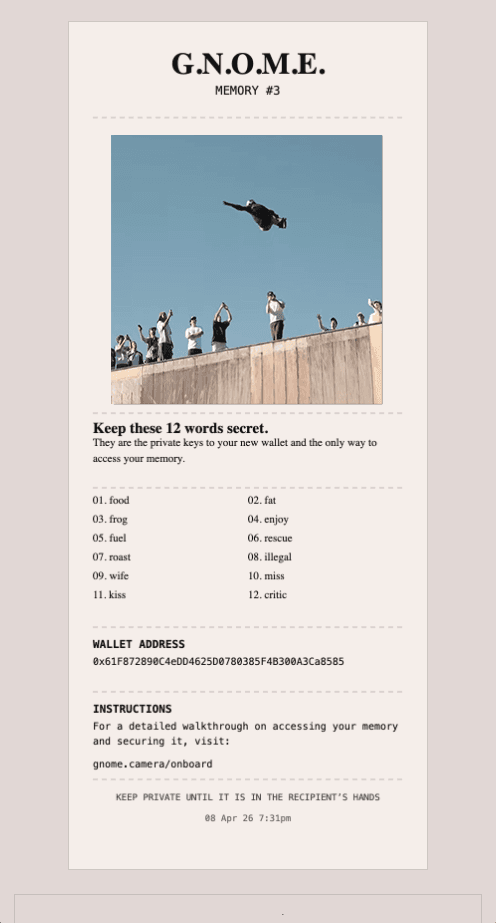
G.N.O.M.E. turns a photo into an onchain memory you can keep or gift. Our core flow creates a new wallet in the background, so sharing a memory can also become someone's first step onchain. It's a simpler, more human way to capture moments and onboard friends.
Capture a photo and generate a new, giftable wallet for the recipient. Deliver it by allowing them to scan the QR code with seedphrase and instructions on accessing.

Capture a photo and generate a new, giftable wallet for the recipient. Deliver it by giving the recipient a printed photo with seedphrase and instructions on accessing.

Capture and mint directly to the connected wallet.
Watch this short video to see the Gnome Camera app in action.
Sign up